How to Use AI to Answer Instagram and WhatsApp Messages for Your Retail Shop Around the Clock
Customers message you at 11 pm expecting an instant reply — here's how AI handles that without you lifting a finger.
 · 9 min read

Estimated reading time: 7 minutes
Key Takeaways
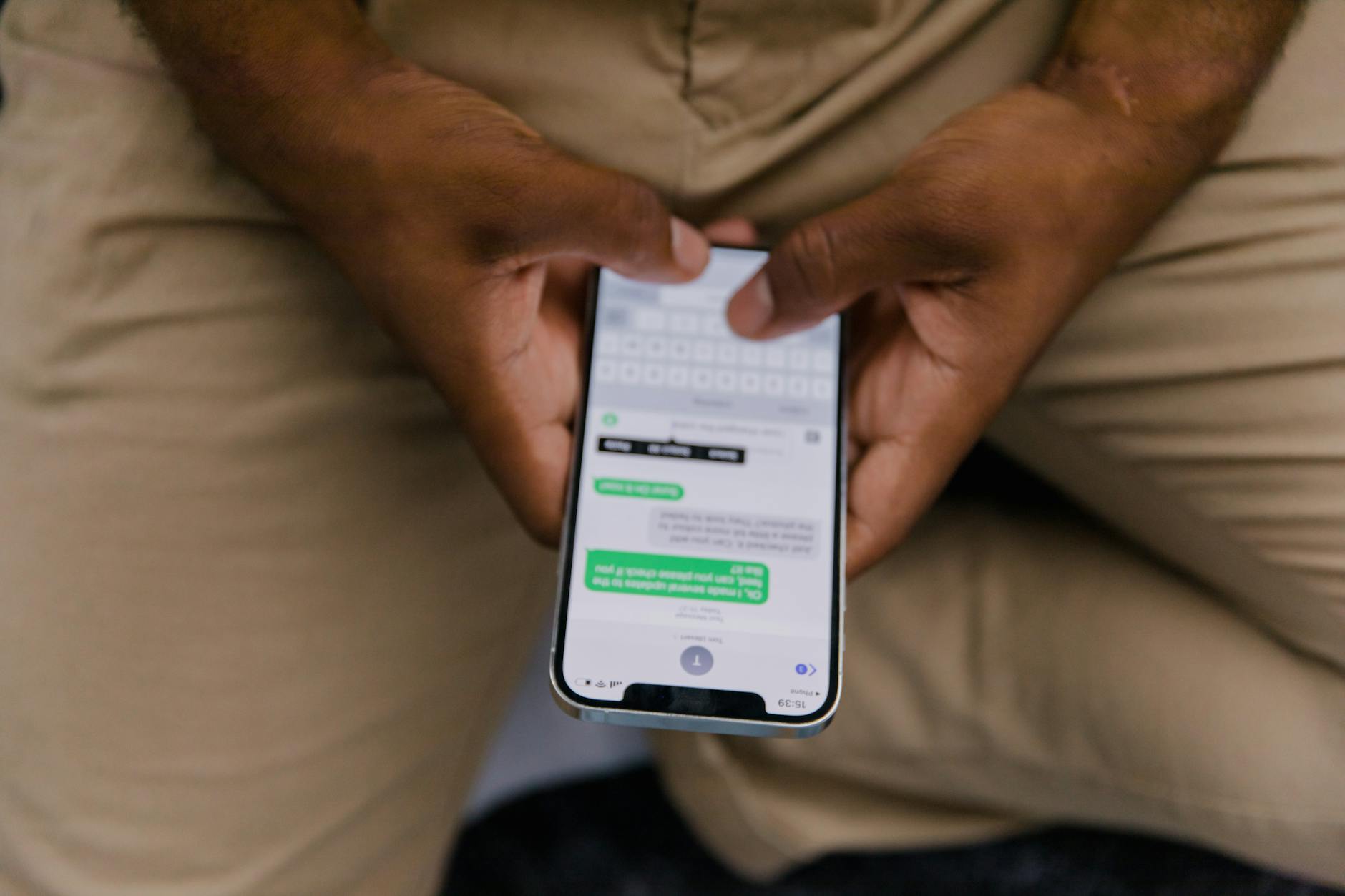
- Customers expect fast replies on Instagram and WhatsApp — AI handles the first response automatically, even outside business hours.
- The most effective setup is hybrid: AI covers FAQs, order questions, and off-hours traffic; your staff handles refunds, complaints, and high-value conversations.
- Tools like ManyChat, Chatfuel, and FlowGent AI connect to your existing Instagram Business and WhatsApp Business accounts through official APIs — no custom dev required.
- WhatsApp messaging costs are low (the first 1,000 service messages per month are free per business number), but factor in your third-party tool subscription too.
- Start narrow: automate one or two repetitive question types first, then expand once you see how customers interact with the bot.
Table of Contents

- Why Your Instagram and WhatsApp Inbox Is a Business Problem
- What AI Can Actually Handle in Your Retail Messaging Channels
- The Tools That Use AI to Answer Instagram and WhatsApp Messages
- How to Set This Up for Your Shop Step by Step
- What It Costs — and What the Real Limits Are
Why Your Instagram and WhatsApp Inbox Is a Business Problem

If you run a retail shop — physical, online, or both — your Instagram DMs and WhatsApp inbox have probably become an unofficial customer service desk. People ask about stock availability, opening hours, delivery times, return policies, and prices. They do it on a Saturday evening. They do it on bank holidays. And when they don't get an answer quickly, they go somewhere else.
This isn't a social media problem. It's an operational problem. You and your staff can't be glued to your phones all day, and hiring someone just to manage messages isn't financially realistic for most small shops. The gap between when a customer messages you and when you reply is where sales leak out.
AI messaging automation exists specifically to close that gap. The core concept is straightforward: you connect an AI system to your Instagram Business and WhatsApp Business accounts, define what questions it should answer, and it handles the first layer of conversations automatically — day and night.
Definition — AI messaging automation: A system that connects to your business messaging channels (Instagram, WhatsApp) through official platform APIs, uses pre-defined logic or a language model to interpret incoming messages, and sends relevant replies automatically without requiring manual intervention for each message.
What AI Can Actually Handle in Your Retail Messaging Channels

Before you start building anything, it helps to be realistic about what AI does well here — and where it stops.
What works well
- Instant FAQ replies: Opening hours, return policy, size guides, delivery timelines, payment options. These questions are repetitive and the answers don't change often. AI handles them cleanly.
- Stock or product enquiries: If your product catalogue is connected, AI can answer "do you have this in blue?" or "is this still available?" without human input.
- Lead capture: When someone asks "how much is a bulk order?", AI can collect their name, email, and requirements before passing them to you.
- Order status updates: If you connect your AI to your order management system or e-commerce platform, it can relay tracking information automatically.
- After-hours holding: Even a simple automated reply that says "we're closed right now but here's what you need" keeps the customer engaged and sets expectations.
What still needs a human
- Refunds and complaints that require judgement calls
- High-value or complex sales conversations
- Situations where the customer is clearly frustrated and needs a real person
- Anything that falls outside what you've programmed the AI to handle
The most effective setups in retail today are hybrid: AI handles repetitive questions and off-hours traffic, while staff manage nuanced cases. You're not replacing your team — you're freeing them from answering the same five questions forty times a week.
The Tools That Use AI to Answer Instagram and WhatsApp Messages

Several no-code platforms let you connect AI to your Instagram and WhatsApp Business accounts without writing a line of code. Here are the ones worth looking at for a retail shop.
ManyChat
ManyChat is one of the most widely used tools for automating Instagram DMs and WhatsApp conversations. It handles comment-to-DM flows (someone comments on your post, an automated DM is triggered), FAQ replies, lead capture sequences, and basic conversational logic. It connects to your Instagram Business account and WhatsApp Business through their official APIs. Pricing is subscription-based with a low entry tier, scaling by contact volume.
Chatfuel
Chatfuel is a no-code chatbot builder focused on Instagram and WhatsApp. It's suited for FAQ handling, lead qualification, and simple support flows. Like ManyChat, it works through official platform connections. Pricing is tiered by plan rather than per message.
FlowGent AI
FlowGent AI is an AI agent platform that covers Instagram, WhatsApp, web chat, and other channels. It's designed for customer support and lead qualification flows built without code. Pricing details are not publicly listed in detail, so you'd need to contact them for a quote based on your volume.
InstantDM
InstantDM focuses specifically on Instagram DM automation and AI replies for product enquiries, customer support, and lead qualification. Pricing is not clearly public, so direct contact is needed.
All of these tools sit on top of the official Instagram Business and WhatsApp Business APIs — which means they follow the platform rules, which matters when it comes to what you can and can't automate.
How to Set This Up for Your Shop Step by Step
Step 1 — Get your accounts in order
You need an Instagram Business account (not a personal account) and a WhatsApp Business account. If you're handling more than a handful of messages per day, you'll likely need to connect through the WhatsApp Business API (via a platform like ManyChat or Chatfuel) rather than just the free WhatsApp Business app, which has limited automation. Both platforms require these business accounts to be properly set up before any automation tool can connect.
Step 2 — List the questions you get most often
Before touching any tool, open your inbox and scroll back two or three weeks. Write down every question that appears more than twice. This becomes your automation list. For most retail shops, the top five are: opening hours, return policy, delivery time, product availability, and order status. These are your starting point.
Step 3 — Choose your tool and connect your accounts
Pick one of the tools above based on your budget and channels. ManyChat is a reasonable starting point for most shops because it covers both Instagram and WhatsApp and has solid documentation. Follow the platform's setup wizard to connect your Instagram Business account and/or WhatsApp Business number. This typically takes less than an hour.
Step 4 — Build your first automation flow
Start with one flow, not ten. Pick the most frequent question — say, "what are your opening hours?" — and build a simple response. Test it by sending the message yourself. Once it works, add the next question. Build incrementally rather than trying to automate everything at once.
Step 5 — Set up a handoff trigger
Every AI flow needs a clear exit point. When someone asks something your bot can't handle, or when they explicitly ask to speak to a person, the conversation should route to a human immediately. Most platforms let you flag these conversations for staff follow-up. Without a handoff mechanism, frustrated customers hit a wall — which is worse than no automation at all.
Step 6 — Monitor and refine over the first two weeks
Check your conversations daily for the first two weeks. Look for messages where the bot gave a wrong or unhelpful reply. Use those to improve your flows. AI automation for messaging is not a set-and-forget system — it improves with iteration.
What It Costs — and What the Real Limits Are
Cost is where a lot of shop owners get a surprise, so let's be direct about it.
WhatsApp platform costs
WhatsApp Business has a message-based pricing structure. The first 1,000 service messages per month are free per business phone number. After that, charges apply on a per-message basis. If you're using Meta's own AI tools on WhatsApp, the pricing shifts to a token-based model rather than per-message. For a small retail shop with moderate message volume, the WhatsApp platform cost is low — but it's not zero, particularly as volume grows.
Third-party tool costs
On top of WhatsApp's costs, you'll pay a monthly subscription for whichever tool you use (ManyChat, Chatfuel, etc.). These range from entry-level plans suitable for small shops to higher-volume plans as your contact list grows. Check each tool's current pricing page directly — SaaS pricing changes frequently.
What the real limits are
Cost aside, the main operational limits are these: Instagram and WhatsApp automation must go through official APIs, which means certain message types and timings are governed by platform rules. WhatsApp, for example, has a 24-hour customer service window — when a user messages your business, a window opens and your replies within that window are counted as service messages. Outside that window, outbound messages fall into a different category with different rules and costs. Understanding these rules before you build your flows saves you from building something that breaks a platform policy.
Conclusion
If your retail shop is getting messages on Instagram and WhatsApp that go unanswered for hours — or overnight — you're leaving sales on the table every week. AI messaging automation doesn't replace your staff. It handles the first response, answers the repetitive questions, and keeps customers engaged until a human can step in. The tools exist, they connect to your accounts without requiring a developer, and the entry cost is low enough for a small shop to justify.
Start with one channel, one flow, and the five questions your customers ask most. Get that working well before you expand. The goal isn't to automate everything — it's to make sure no customer message goes dark when your shop is closed.
Want to go further? Join the Skool group (200+ entrepreneurs) and the AI builders' Discord → Join the community
Running a business and want to automate your content or processes with AI? → Book a call
FAQ
Can I use AI to automatically reply to Instagram DMs for my shop?
Yes. Tools like ManyChat and Chatfuel connect to your Instagram Business account through the official API and can send automated replies to DMs — including FAQ answers, product information, and lead capture messages. You need an Instagram Business account (not a personal one) to do this.
Is WhatsApp Business automation free?
Partly. WhatsApp gives each business phone number 1,000 free service messages per month. Beyond that, charges apply per message. You'll also need to factor in the cost of the third-party automation tool you use on top of the platform fees.
What happens when a customer asks something the AI can't answer?
A well-built automation flow includes a handoff trigger — when the AI can't handle a question, or when the customer asks for a human, the conversation is flagged for a staff member to pick up. This is standard practice and essential to avoid customers hitting a dead end.
Do I need a developer to set up AI messaging for Instagram and WhatsApp?
Not for most small retail setups. Platforms like ManyChat and Chatfuel are no-code tools with visual flow builders. You connect your accounts through a setup wizard and build your automations using drag-and-drop logic. More complex integrations (such as connecting to your order management system) may require some technical help, but the basics don't.
How long does it take to set up AI messaging automation for a retail shop?
A basic setup — connecting your accounts, building three to five FAQ flows, and adding a handoff trigger — typically takes one to two days. Getting it to a reliable, well-tuned state usually takes two to four weeks of monitoring and refinement after launch.
What's the difference between WhatsApp Business app and the WhatsApp Business API?
The free WhatsApp Business app is designed for very small businesses and has limited automation features. The WhatsApp Business API allows you to connect third-party tools (like ManyChat or Chatfuel), build proper automated flows, and handle higher message volumes. Most shops that want real automation need to work through the API, accessed via an approved platform.
On voit si l'IA peut faire cartonner votre business ?
15 minutes, cash. Pas de script, pas de jargon. Au pire, on vous dit que ce serait un flop — et vous aurez gagné du temps.